Lambda function ghi dữ liệu
Trong bước này chúng ta sẽ cập nhật lại code cho function book_create đã tạo ở bài số 1:
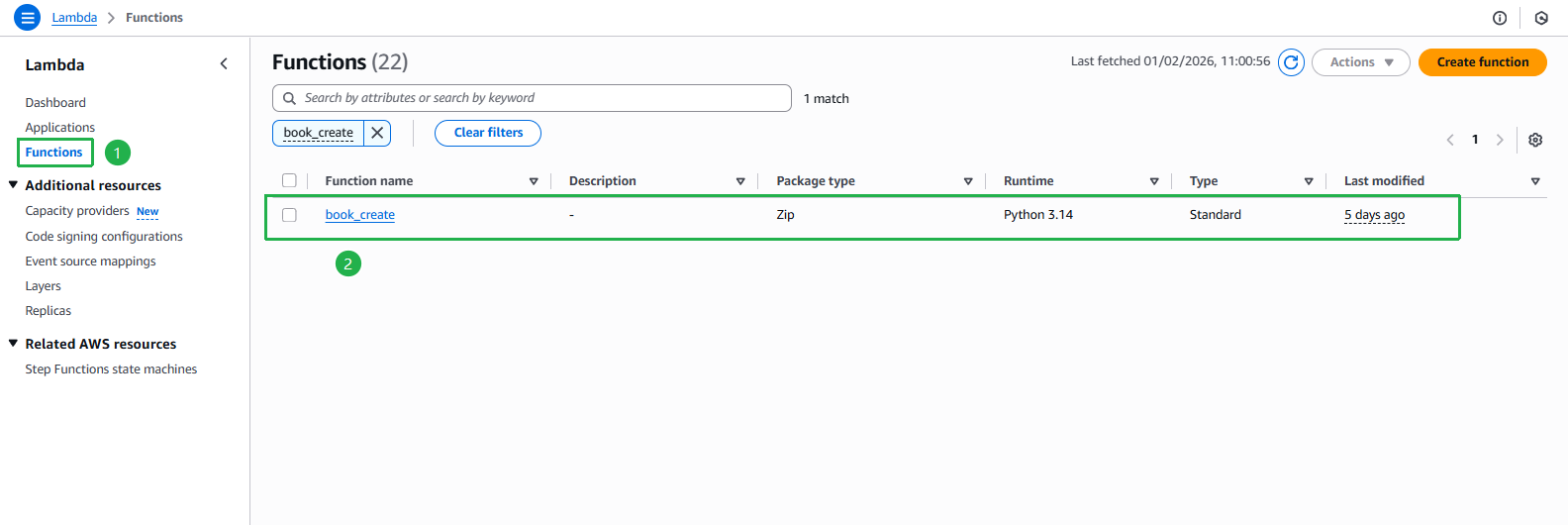
Mở bảng điều khiển của AWS Lambda, nhấn vào book_create function đã tạo từ bài số 1
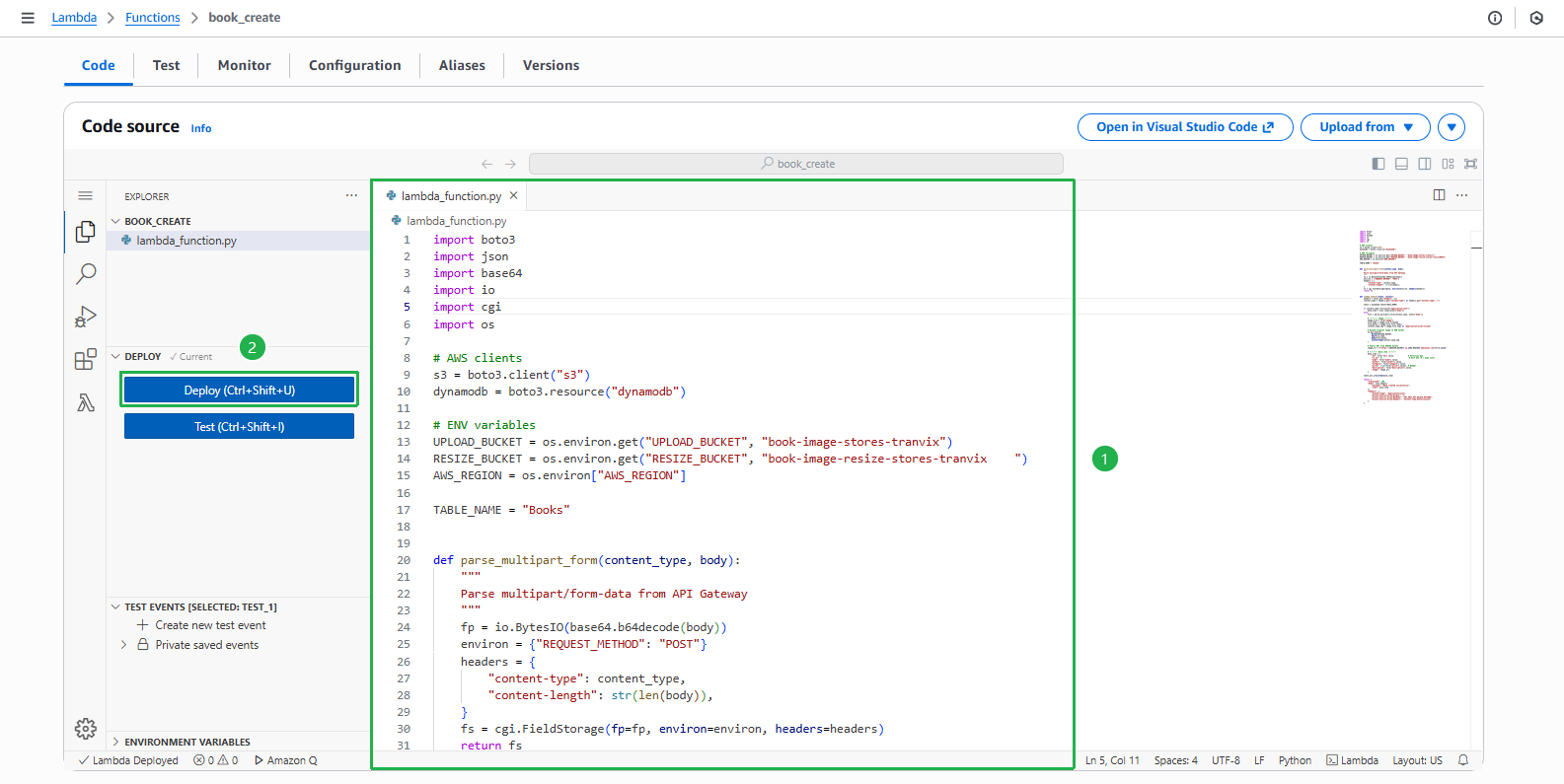
Sao chép đoạn code sau vào mục lambda_function.py, sau đó ấn Deploy
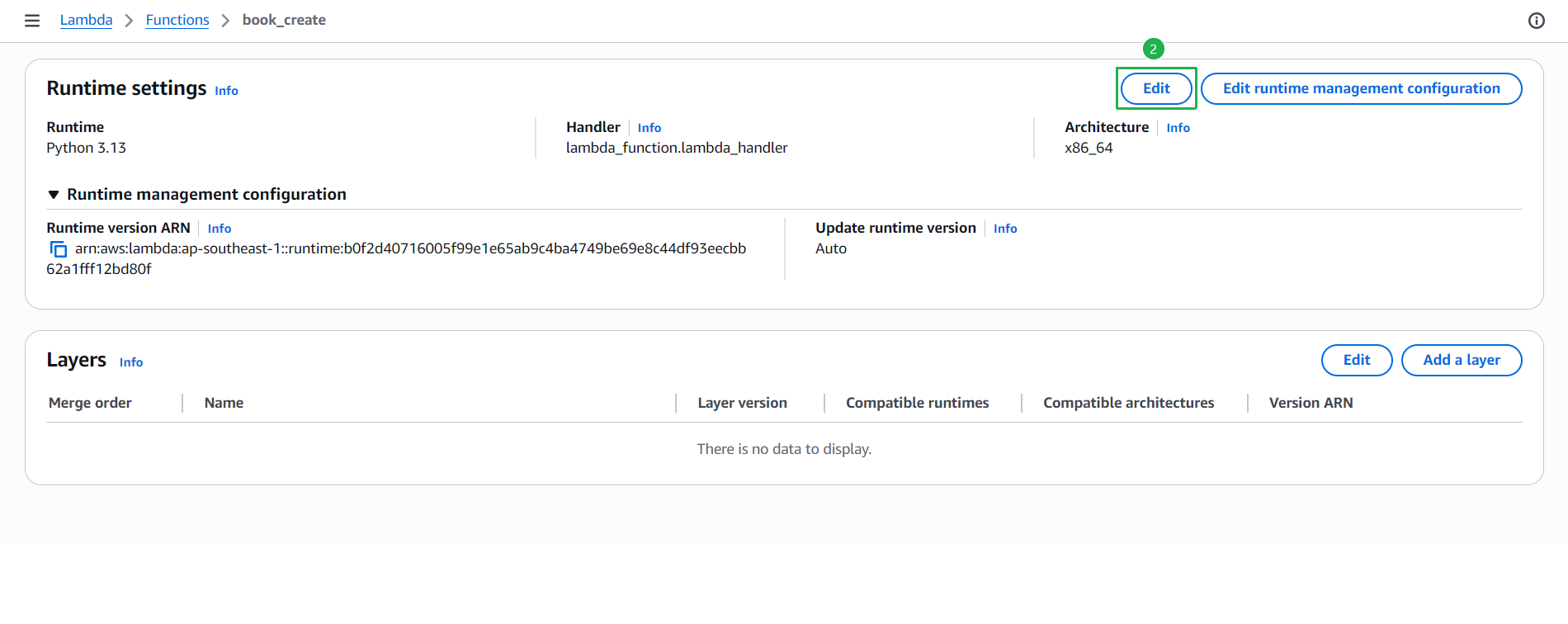
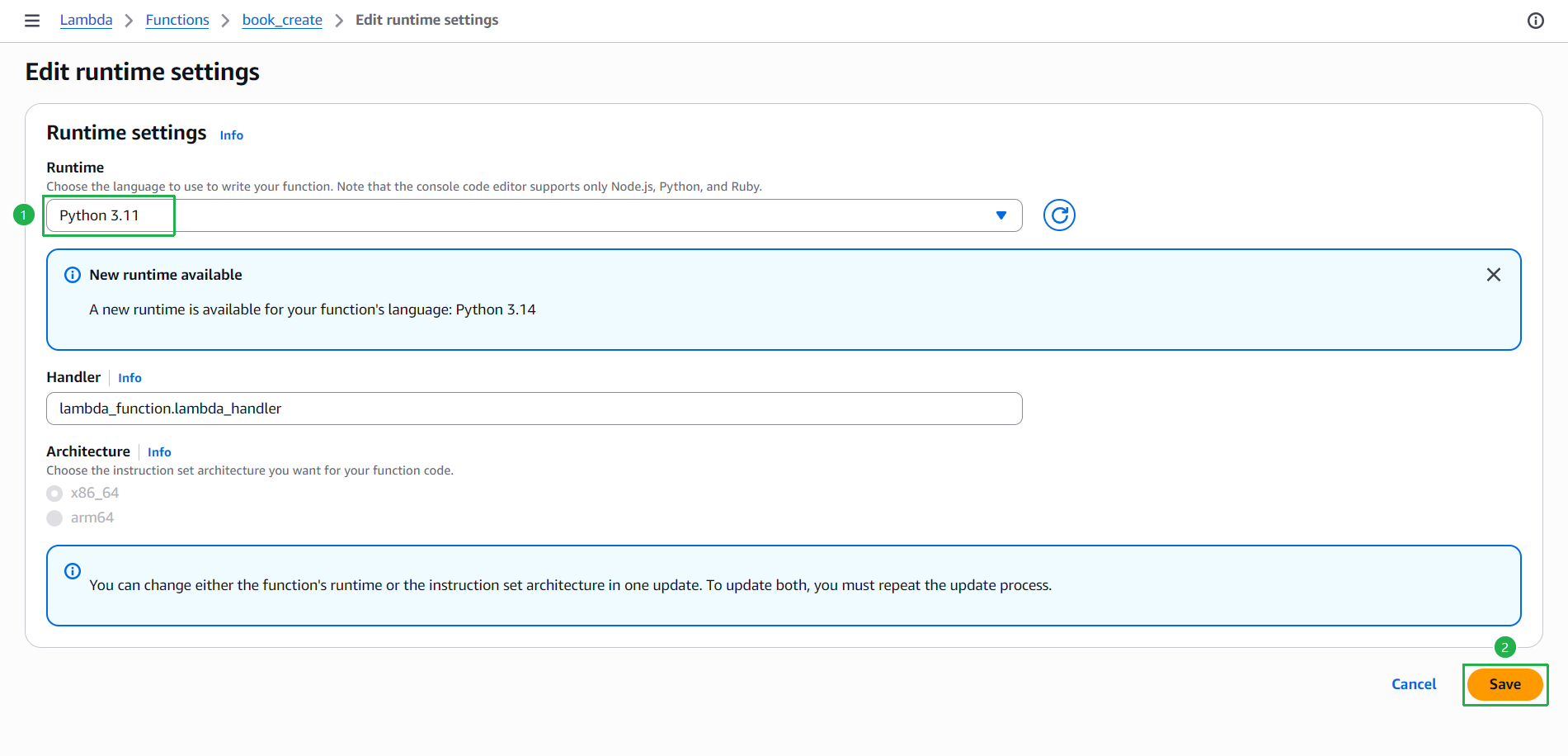
Module cgi đã bị xóa hoàn toàn khỏi Python 3.13+. Để sử dụng code dưới đây, hãy đảm bảo Lambda function của bạn đang dùng runtime Python 3.12 trở xuống. Bạn có thể đổi runtime tại tab Configuration > Runtime settings > Edit.
import boto3
import json
import base64
import io
import cgi
import os
from decimal import Decimal

# AWS clients
s3 = boto3.client("s3")
dynamodb = boto3.resource("dynamodb")

# ENV variables
UPLOAD_BUCKET = os.environ.get("UPLOAD_BUCKET", "book-image-stores-tranvix")
RESIZE_BUCKET = os.environ.get("RESIZE_BUCKET", "book-image-resize-stores-tranvix")
AWS_REGION = os.environ["AWS_REGION"]

TABLE_NAME = "Books"


def parse_multipart_form(content_type, body):
    """
    Parse multipart/form-data from API Gateway (using cgi)
    """
    fp = io.BytesIO(base64.b64decode(body))

    environ = {
        "REQUEST_METHOD": "POST",
        "CONTENT_TYPE": content_type,
        "CONTENT_LENGTH": str(len(body)),
    }

    fs = cgi.FieldStorage(
        fp=fp,
        environ=environ,
        keep_blank_values=True
    )
    return fs


def lambda_handler(event, context):
    # ---- CORS headers ----
    cors_headers = {
        "Access-Control-Allow-Origin": "*",
        "Access-Control-Allow-Methods": "GET,POST,PUT,DELETE,OPTIONS",
        "Access-Control-Allow-Headers": "Content-Type,Authorization"
    }

    if event.get("httpMethod") == "OPTIONS":
        return {
            "statusCode": 200,
            "headers": cors_headers,
            "body": ""
        }

    try:
        headers = event.get("headers", {}) or {}
        content_type = headers.get("content-type") or headers.get("Content-Type", "")

        table = dynamodb.Table(TABLE_NAME)

        body = event.get("body")

        if body is None and isinstance(event, dict) and "id" in event:
            book_item = event

        elif content_type.startswith("application/json"):
            book_item = json.loads(body)
            # Convert price to string if it's a number (DynamoDB will handle it)
            if "price" in book_item and isinstance(book_item["price"], (int, float)):
                book_item["price"] = str(book_item["price"])

        elif content_type.startswith("multipart/form-data"):
            form = parse_multipart_form(content_type, body)

            image_file = form["image"]
            file_name = image_file.filename
            file_bytes = image_file.file.read()
            content_type_img = image_file.type or "application/octet-stream"

            s3.put_object(
                Bucket=UPLOAD_BUCKET,
                Key=file_name,
                Body=file_bytes,
                ContentType=content_type_img
            )

            image_url = f"https://{RESIZE_BUCKET}.s3.{AWS_REGION}.amazonaws.com/{file_name}"

            book_item = {
                "id": form["id"].value,
                "rv_id": 0,
                "name": form["name"].value,
                "author": form["author"].value,
                "category": form["category"].value,
                "price": form["price"].value,
                "description": form["description"].value,
                "image": image_url
            }
        else:
            return {
                "statusCode": 400,
                "body": json.dumps({"error": "Unsupported request format"}),
                "headers": {**cors_headers, "Content-Type": "application/json"}
            }

        # -------- Save to DynamoDB --------
        table.put_item(Item=book_item)

        return {
            "statusCode": 200,
            "body": json.dumps({
                "message": "Book created successfully",
                "item": book_item
            }),
            "headers": {
                **cors_headers,
                "Content-Type": "application/json"
            }
        }
    except Exception as e:
        # Always return CORS headers even on error
        return {
            "statusCode": 500,
            "body": json.dumps({"error": str(e)}),
            "headers": {**cors_headers, "Content-Type": "application/json"}
        }
Code xử lý ảnh mà người dùng muốn tải lên và được lưu trong S3 bucket
Sau khi deploy code, chuyển sang tab Configuration để đổi runtime
- Ấn vào tab Configuration ở thanh điều hướng phía dưới
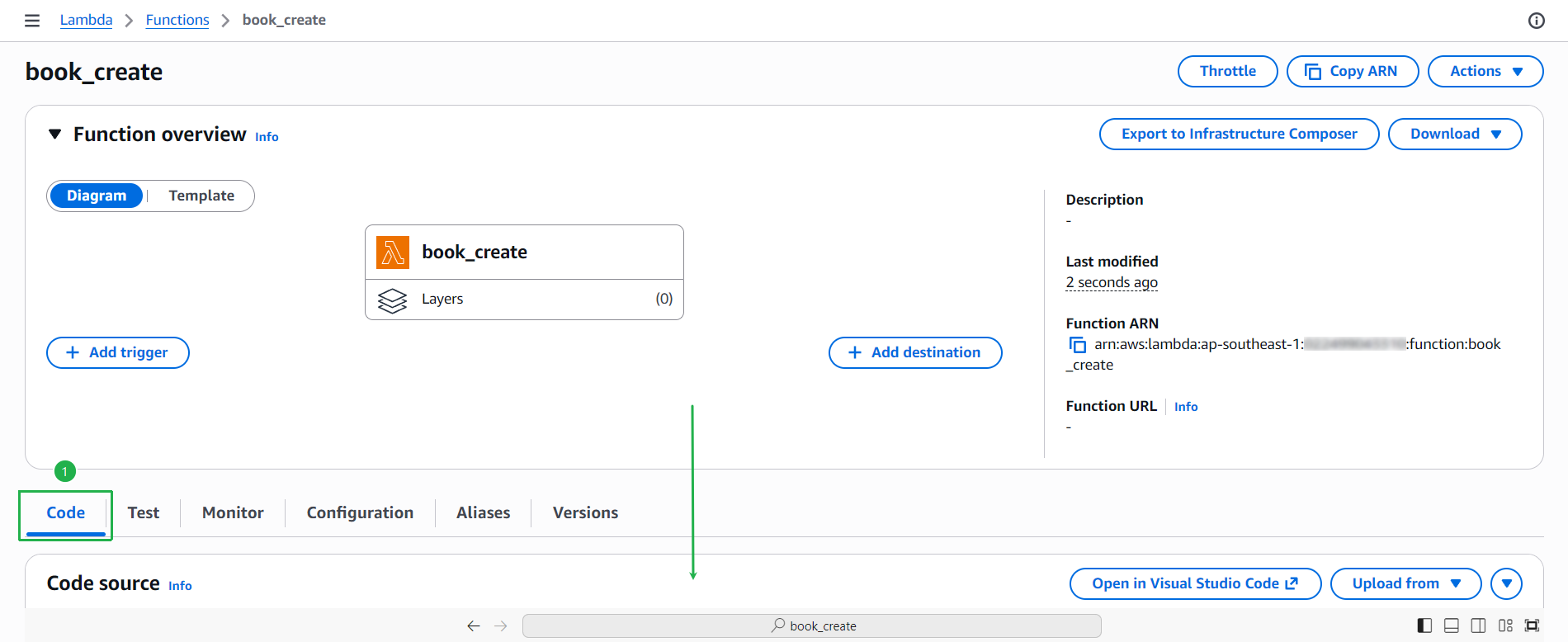
- Ấn vào tab Configuration ở thanh điều hướng phía dưới
Kéo xuống mục Runtime settings, xác nhận runtime đang là Python 3.13 hoặc cao hơn
- Ấn nút Edit để thay đổi
- Ấn nút Edit để thay đổi
Tại trang Edit runtime settings:
- Đổi Runtime thành Python 3.12 (hoặc thấp hơn)
- Ấn nút Save
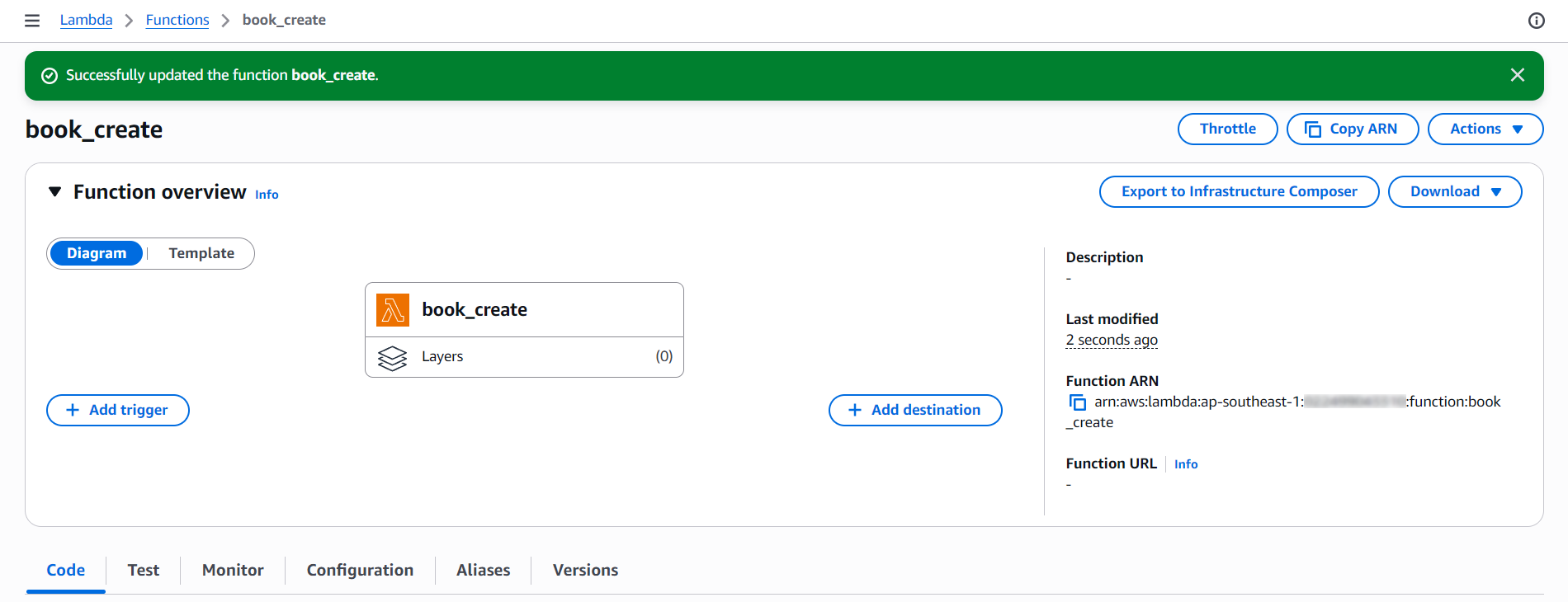
Xác nhận runtime đã được cập nhật thành công
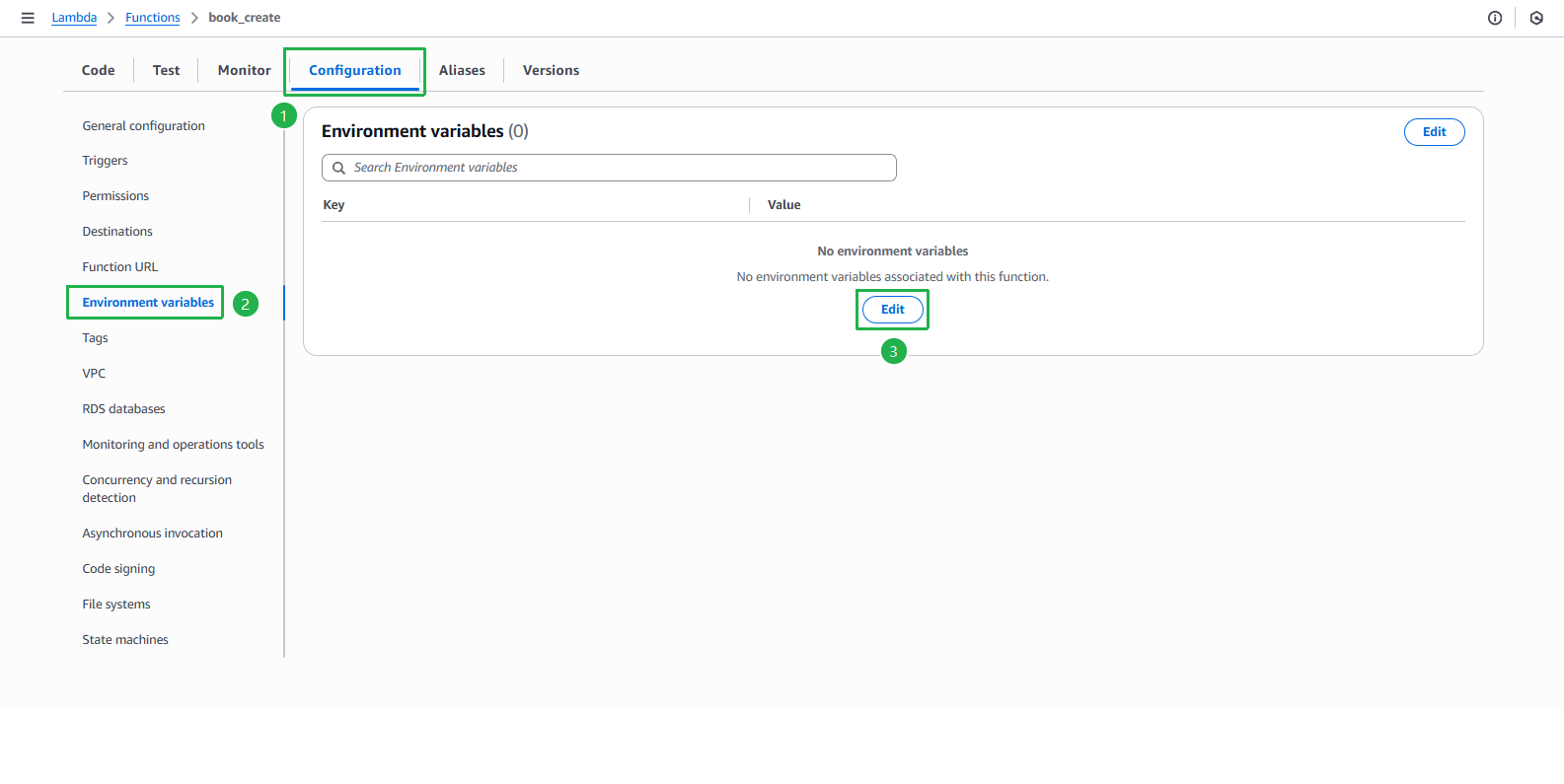
Cấu hình biến môi trường cho Lambda function
- Ấn sang tab Configuration
- Chọn mục Environment variables ở menu bên trái
- Ấn nút Edit
Thêm các biến môi trường sau:
- UPLOAD_BUCKET: tên bucket lưu ảnh gốc (ví dụ:
book-image-stores-tranvix) - RESIZE_BUCKET: tên bucket lưu ảnh resize (ví dụ:
book-image-resize-stores-tranvix) - Ấn nút Save
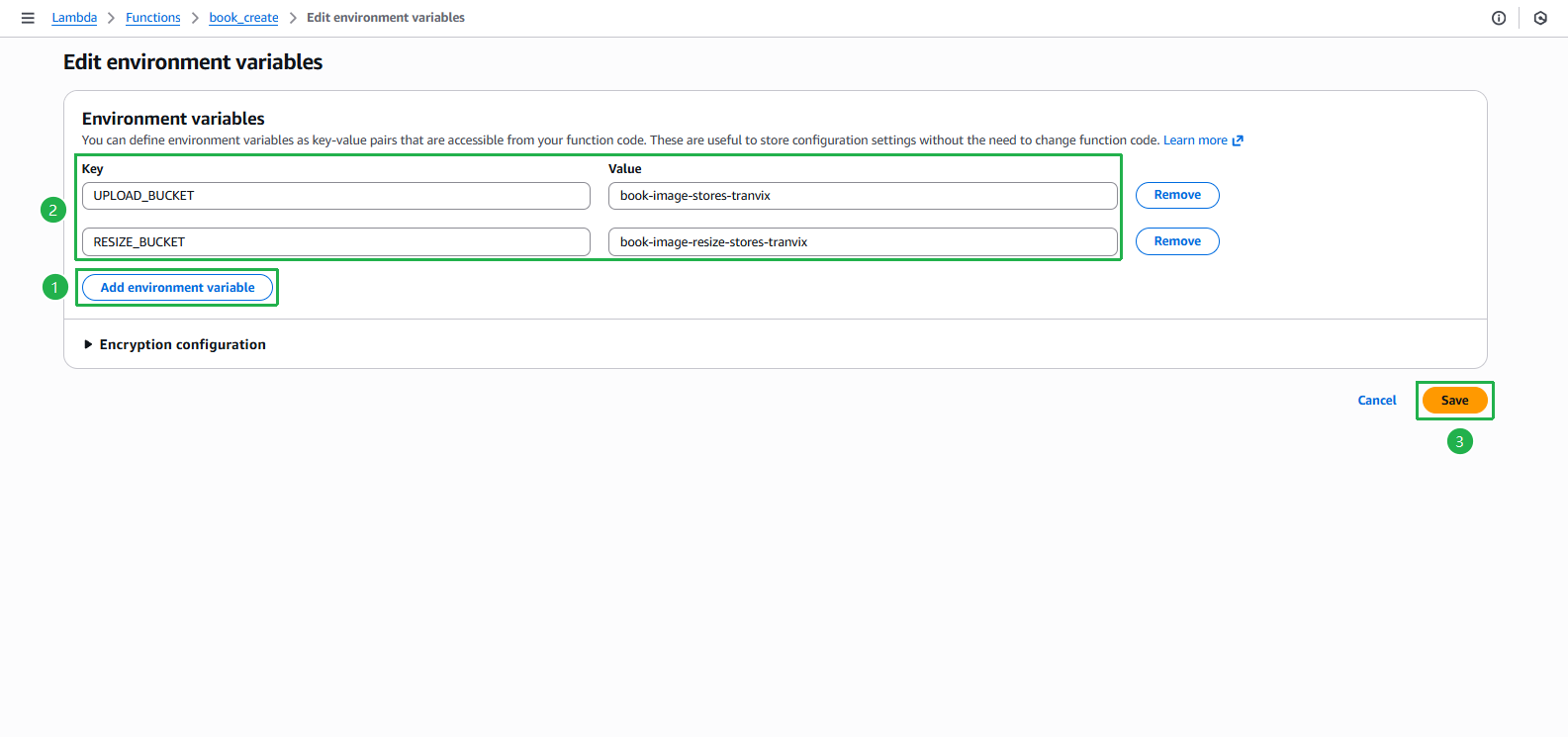
- UPLOAD_BUCKET: tên bucket lưu ảnh gốc (ví dụ:
Xác nhận các biến môi trường đã được cập nhật thành công
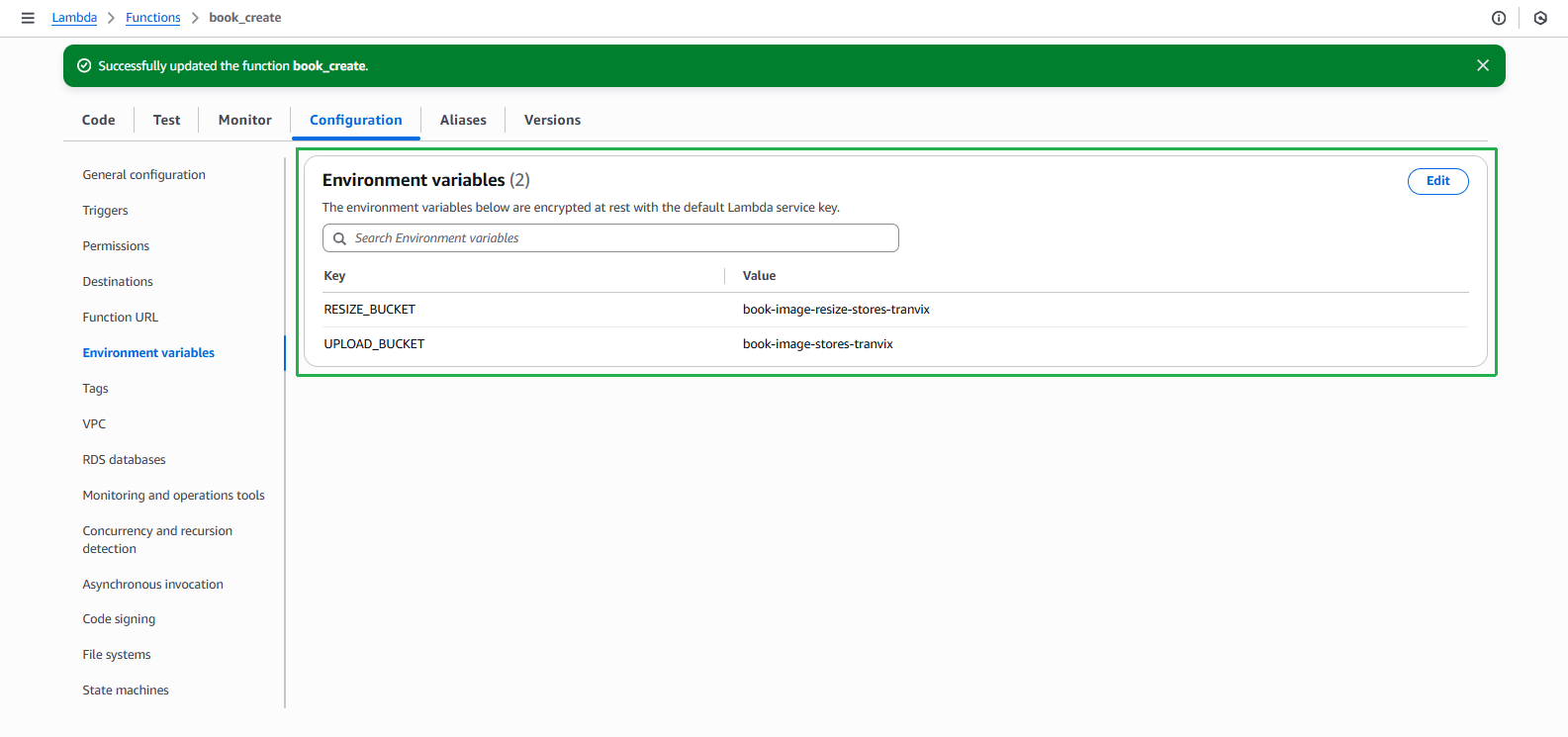
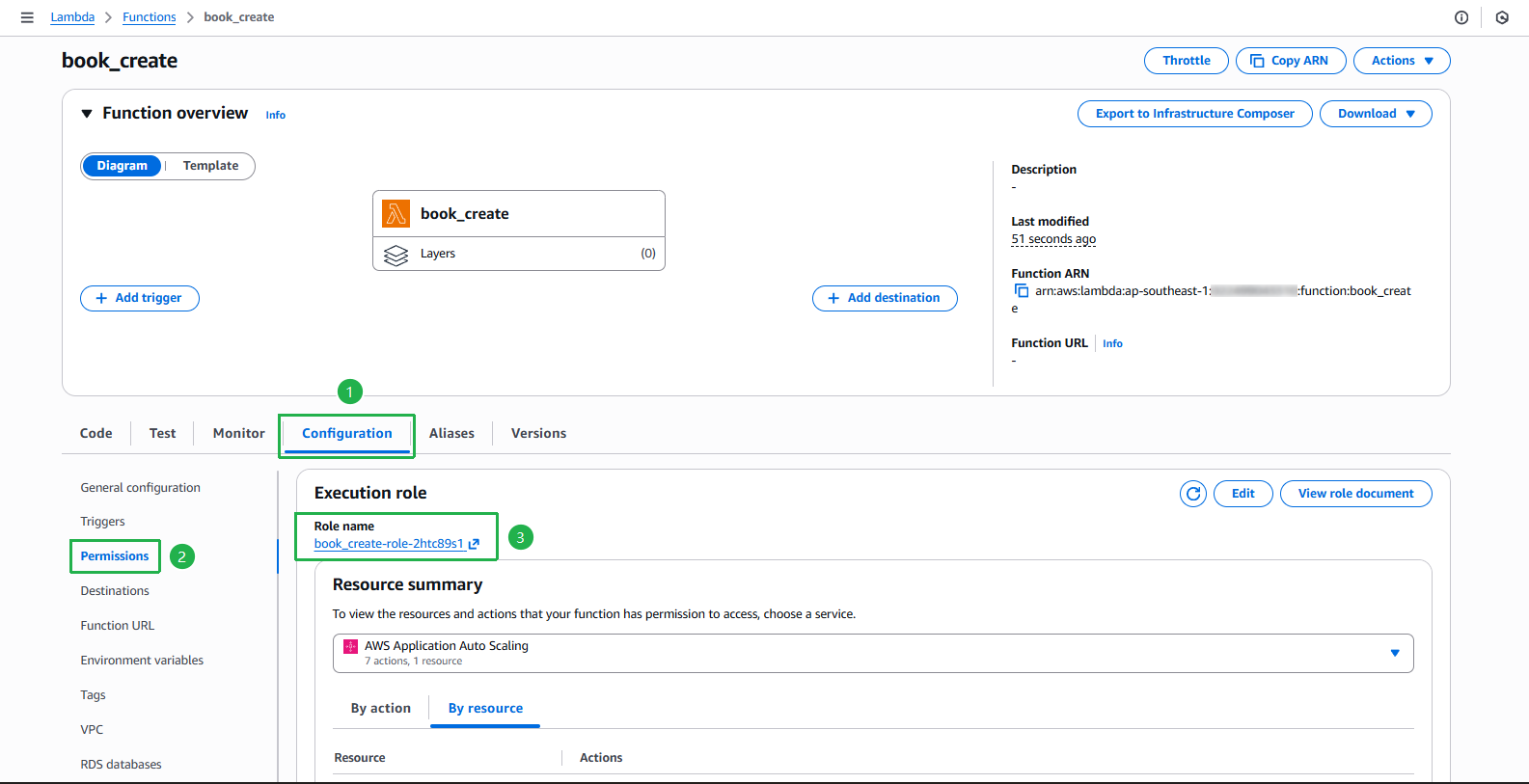
Cấp quyền cho Lambda function có thể ghi tệp vào S3 bucket và DynamoDB
- Chọn mục Permissions ở menu bên trái
- Ấn vào role mà function đang sử dụng
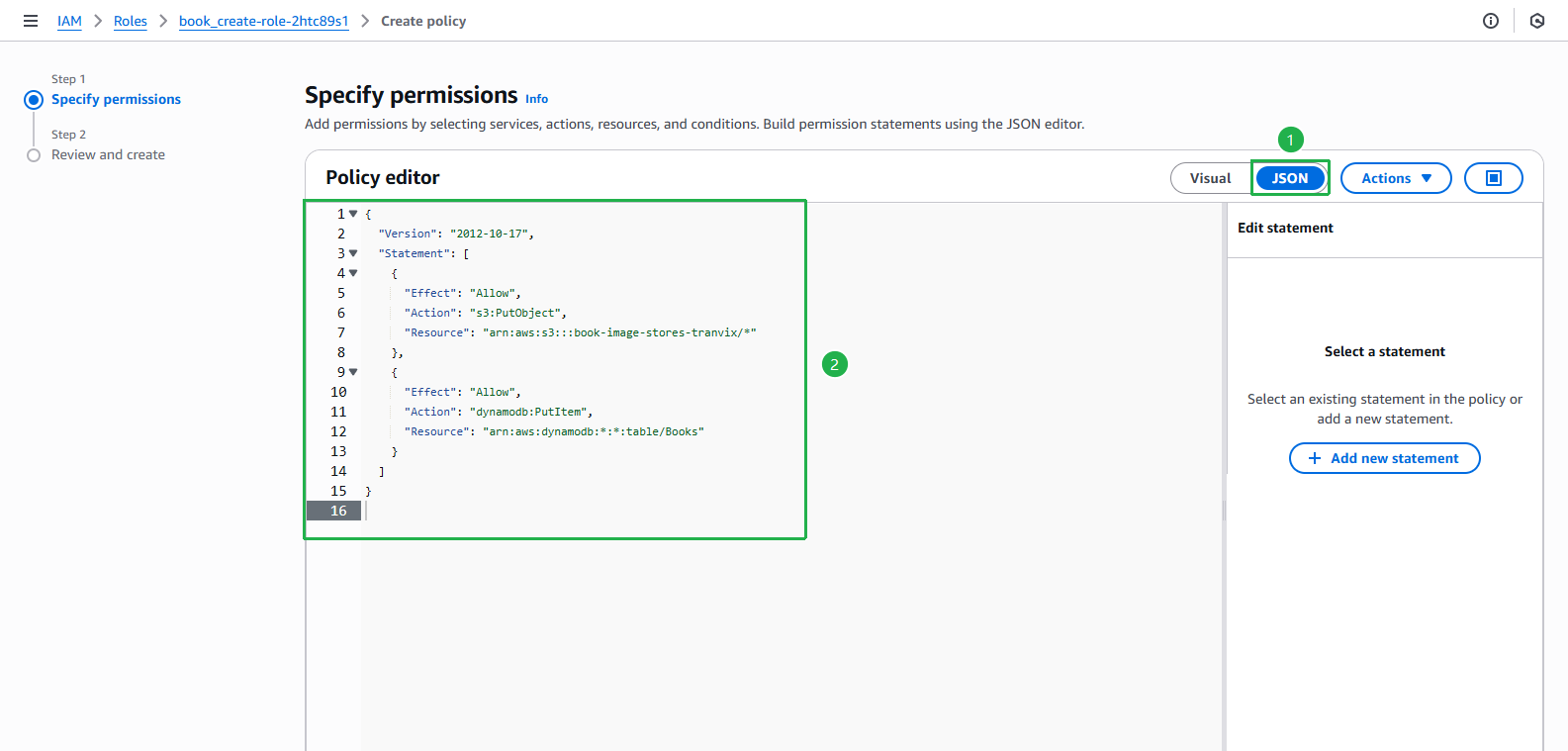
Tại trang IAM Role, ấn nút Add permissions > Create inline policy
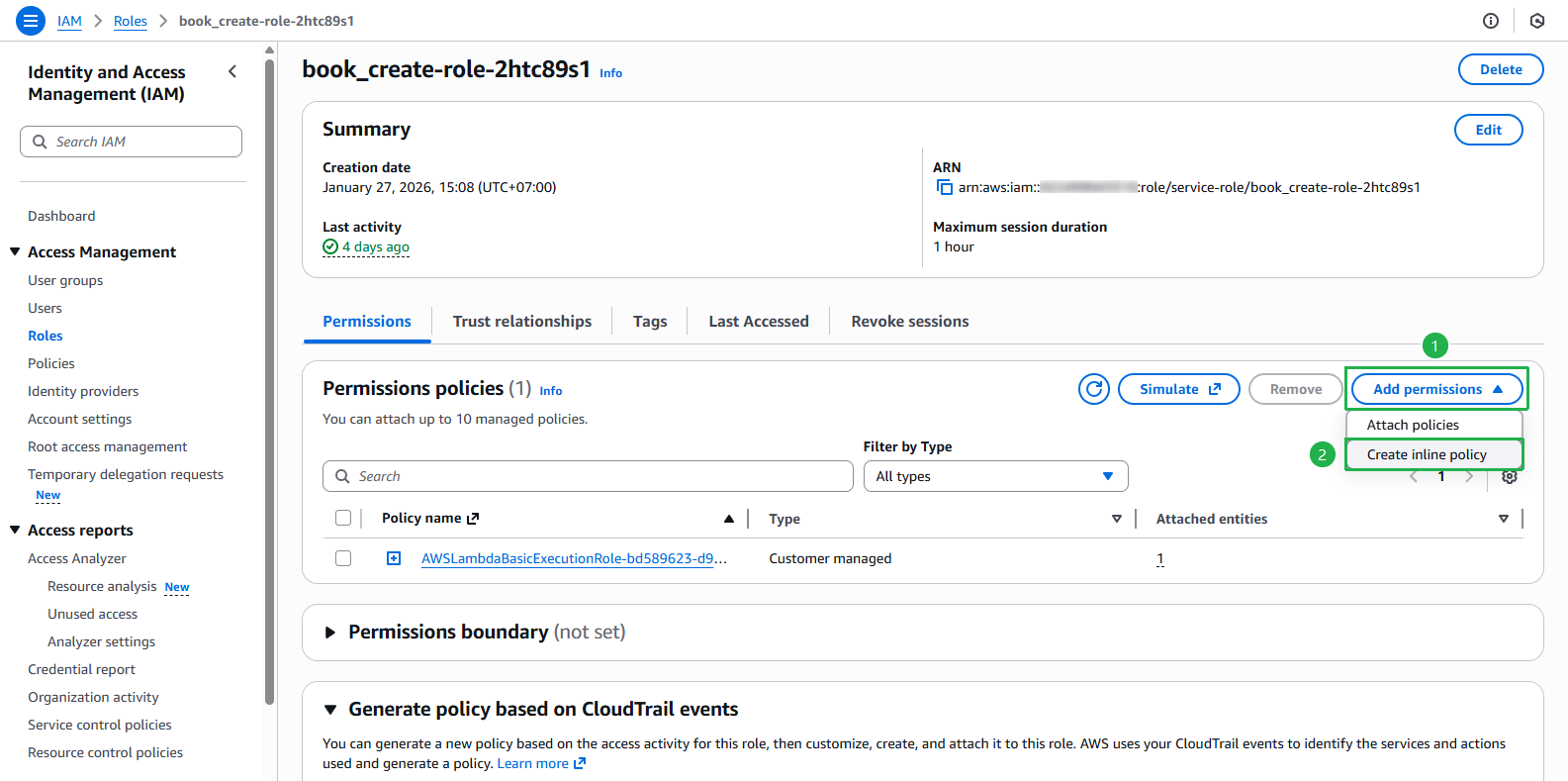
Chọn tab JSON và thêm đoạn policy sau:
{
    "Version": "2012-10-17",
    "Statement": [
        {
            "Effect": "Allow",
            "Action": "s3:PutObject",
            "Resource": "arn:aws:s3:::book-image-stores-tranvix/*"
        },
        {
            "Effect": "Allow",
            "Action": "dynamodb:PutItem",
            "Resource": "arn:aws:dynamodb:*:*:table/Books"
        }
    ]
}
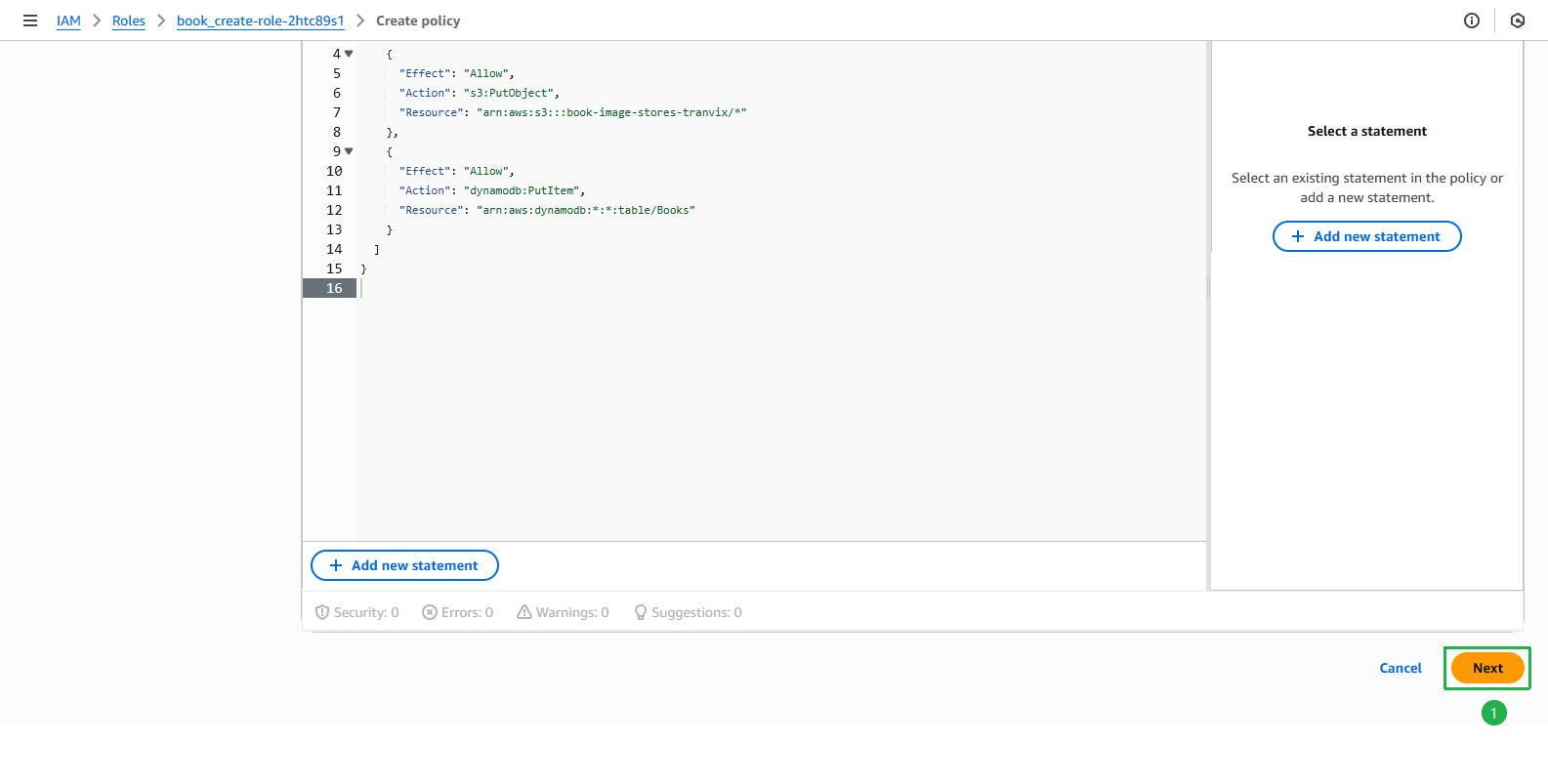
Ấn nút Next
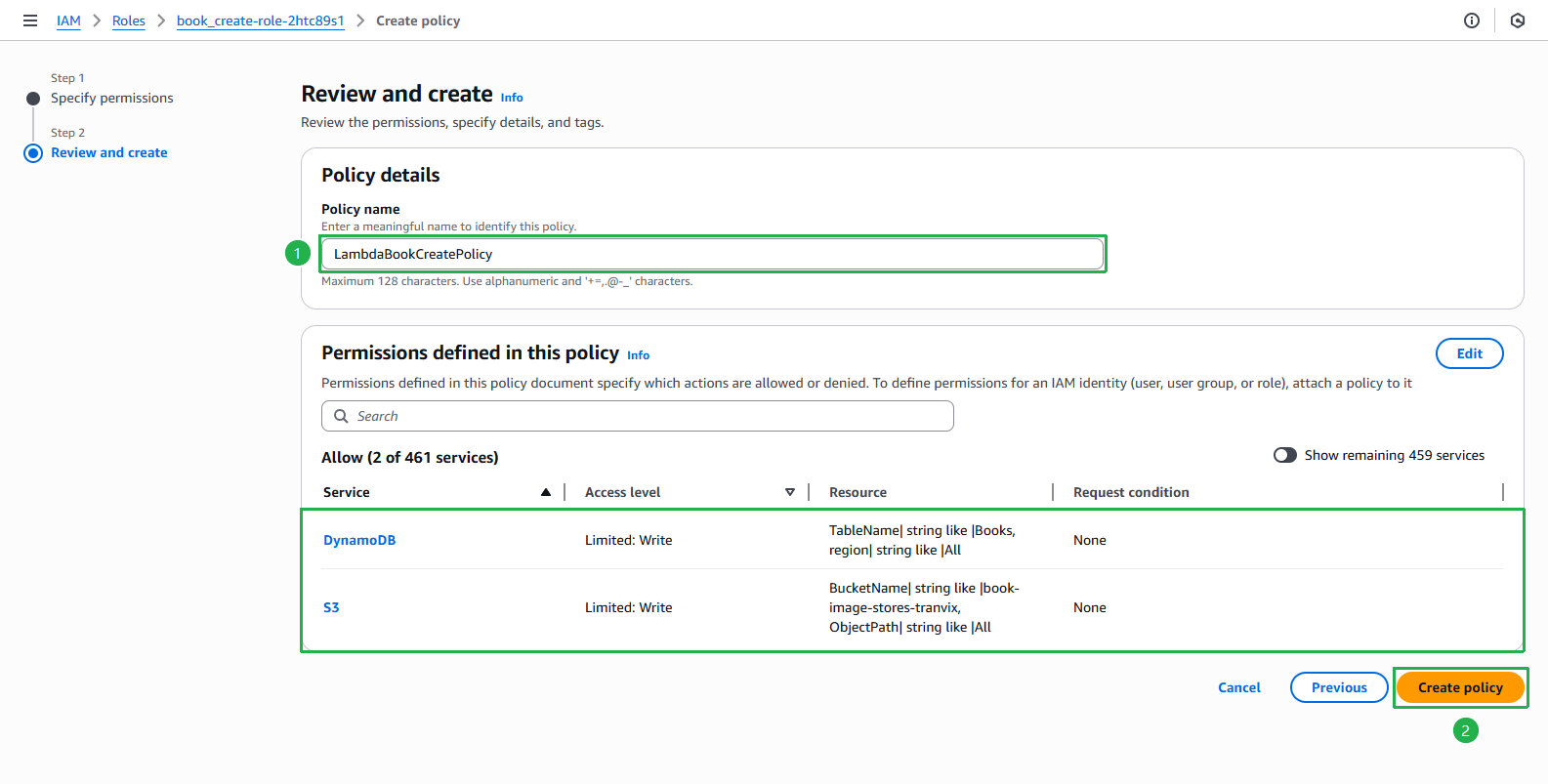
Nhập tên cho policy, ví dụ: LambdaBookCreatePolicy
- Xem lại các quyền đã cấu hình
- Ấn nút Create policy
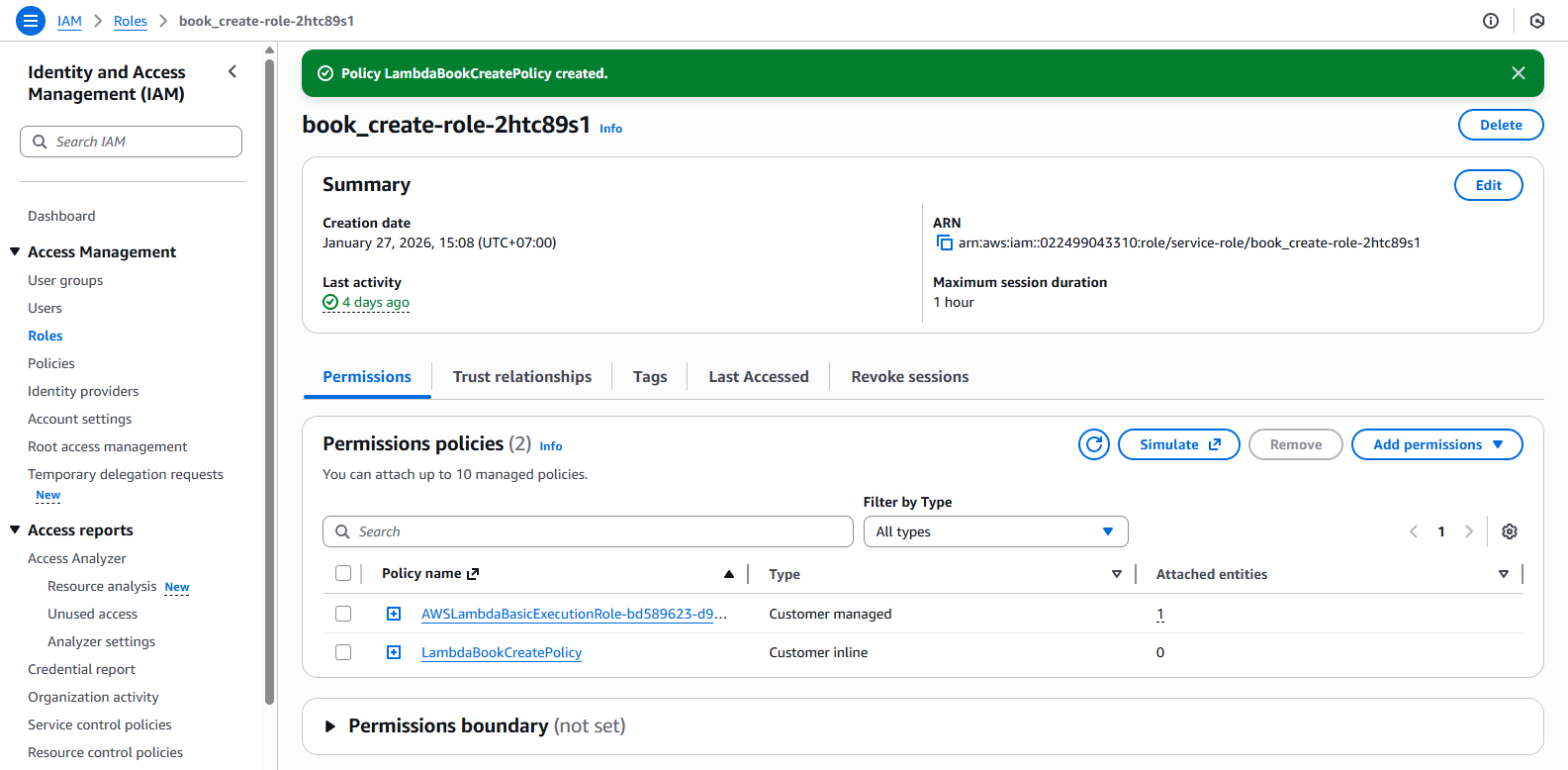
Policy đã được tạo thành công và đã được gắn vào role